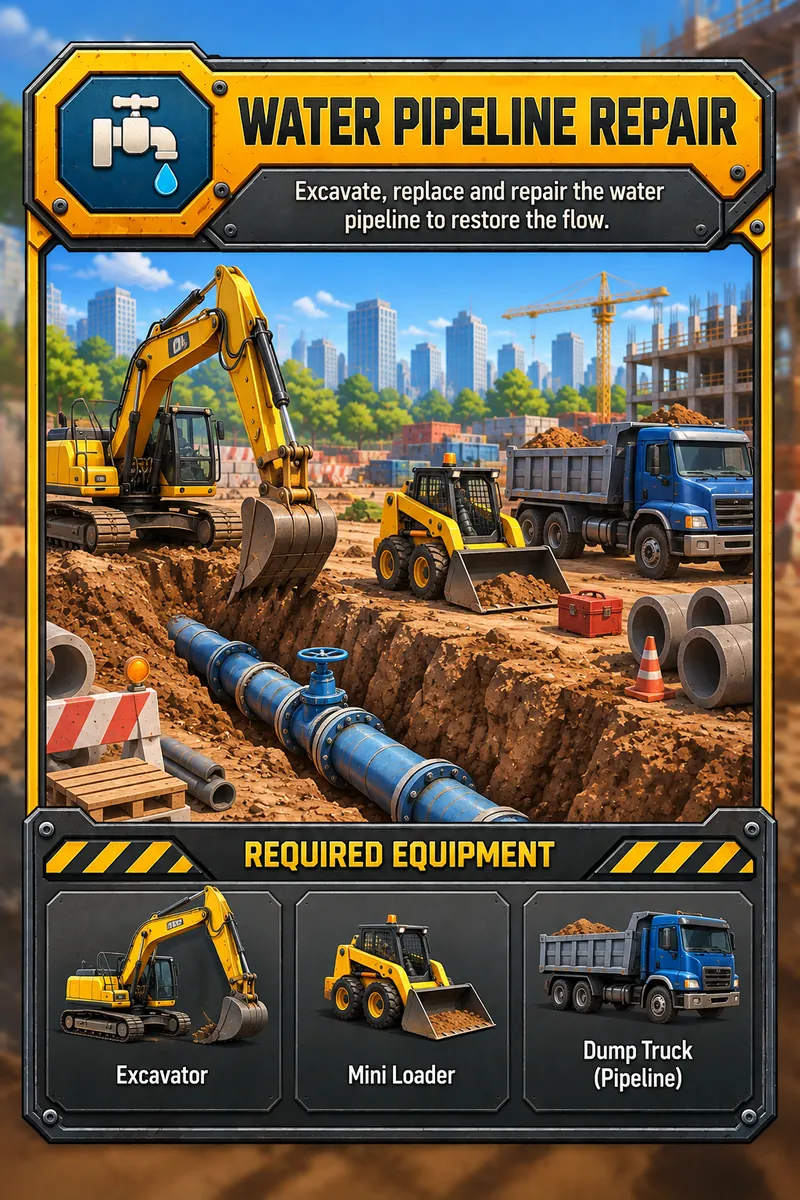
Water pipeline repair
Dig the trench, swap the broken pipe, backfill and restore the flow.
- Excavator
- Mini loader
- Dump truck
 Download APKfor Android
PlanDriveBuildGrow
Take on city contracts, climb into real heavy machinery and turn one excavator into a construction empire.
Out now on Android · Free APKEvery contract on the board needs different machines and a different plan. Win the bid, move the equipment on site and get it done before the deadline.
Dig the trench, swap the broken pipe, backfill and restore the flow.
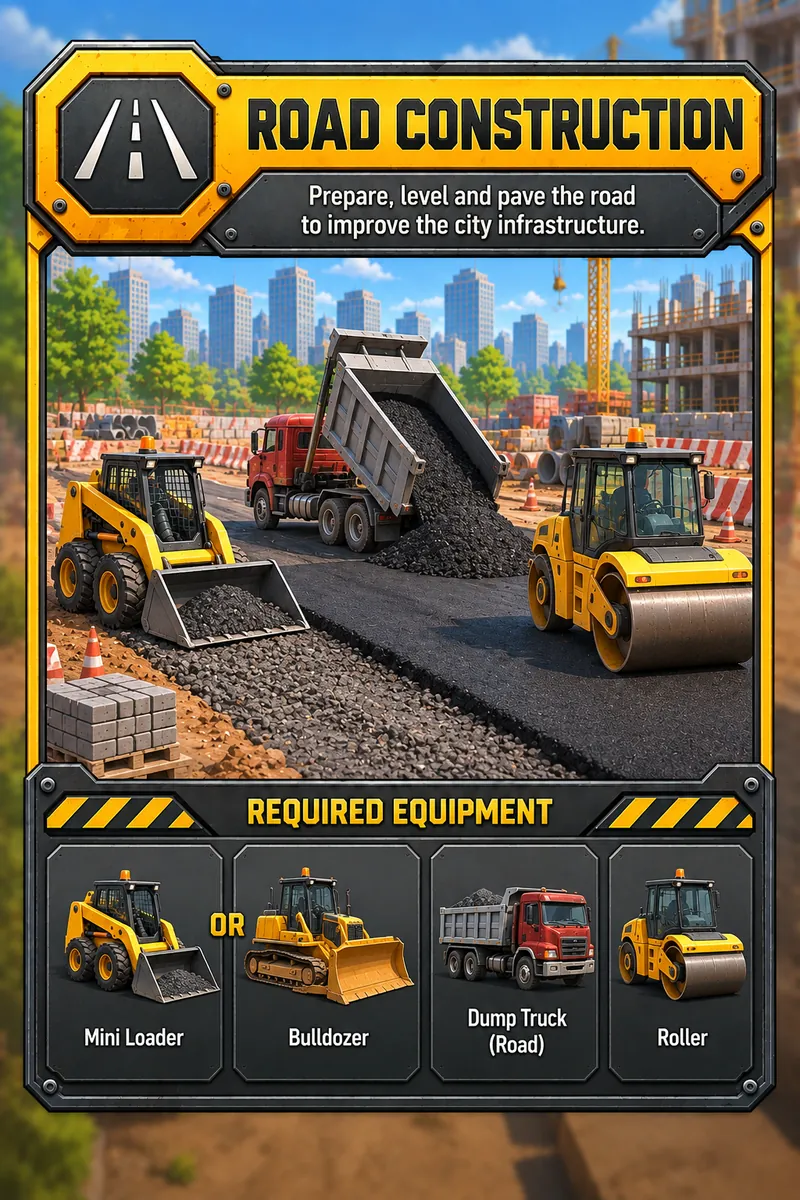
Prepare the base, level it out and lay fresh asphalt across the city grid.
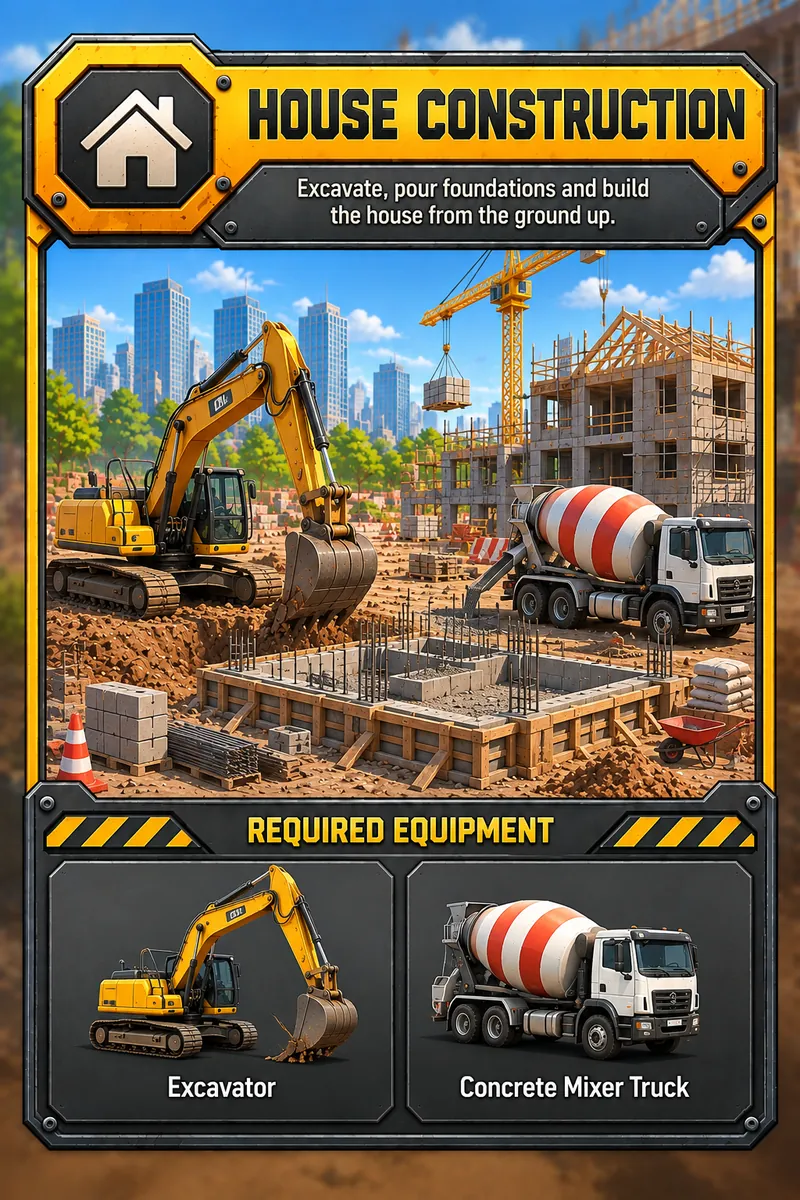
Excavate, pour the foundations and raise a family home from the ground up.
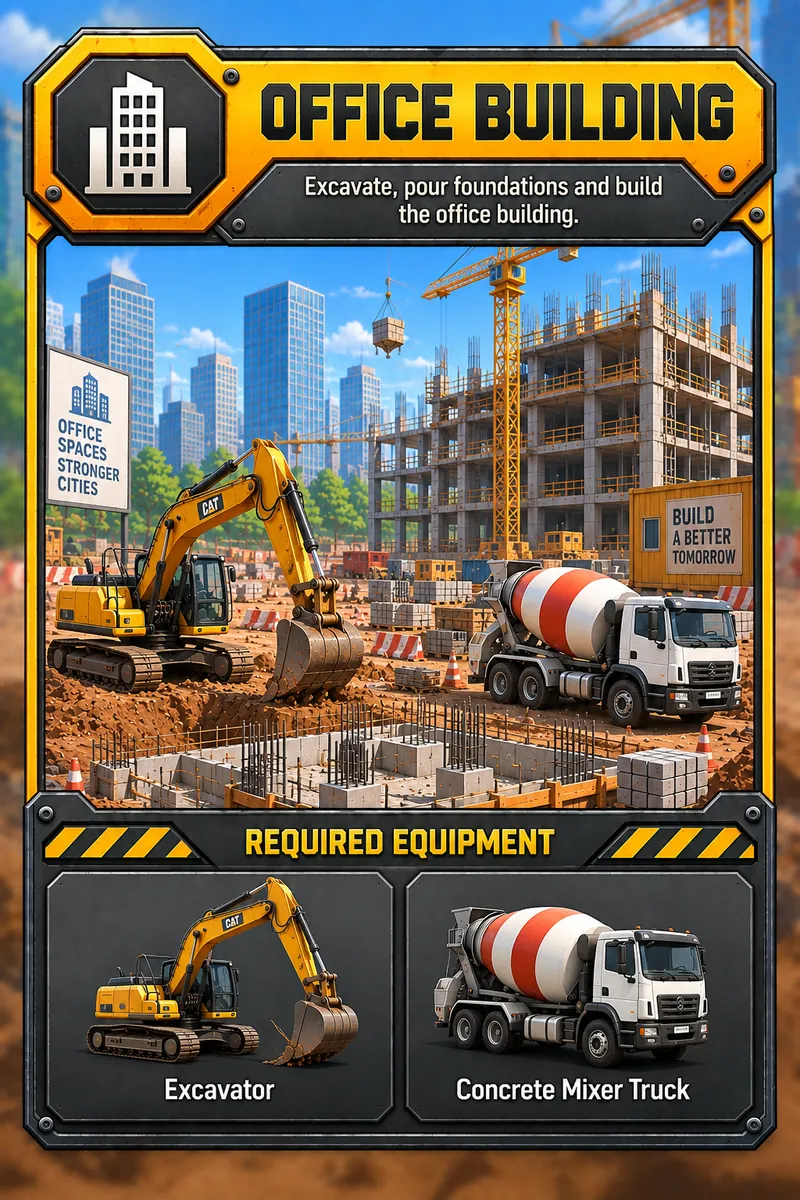
The big one. Dig deep, pour floor after floor and add a tower to the skyline.
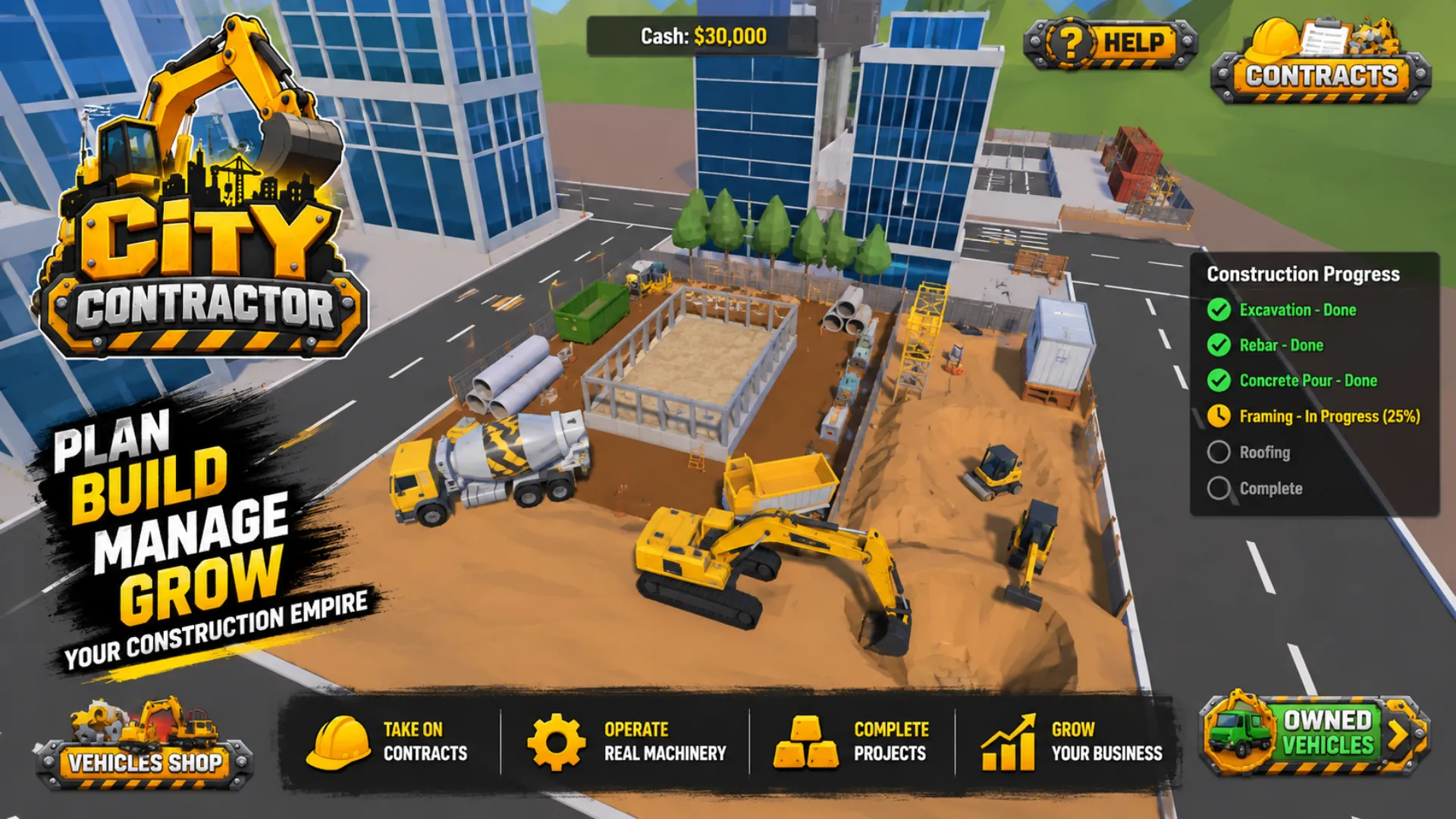
Read the contract, check the budget and map out every stage: excavation, rebar, concrete floor, framing, roofing. The progress panel tracks each one live.
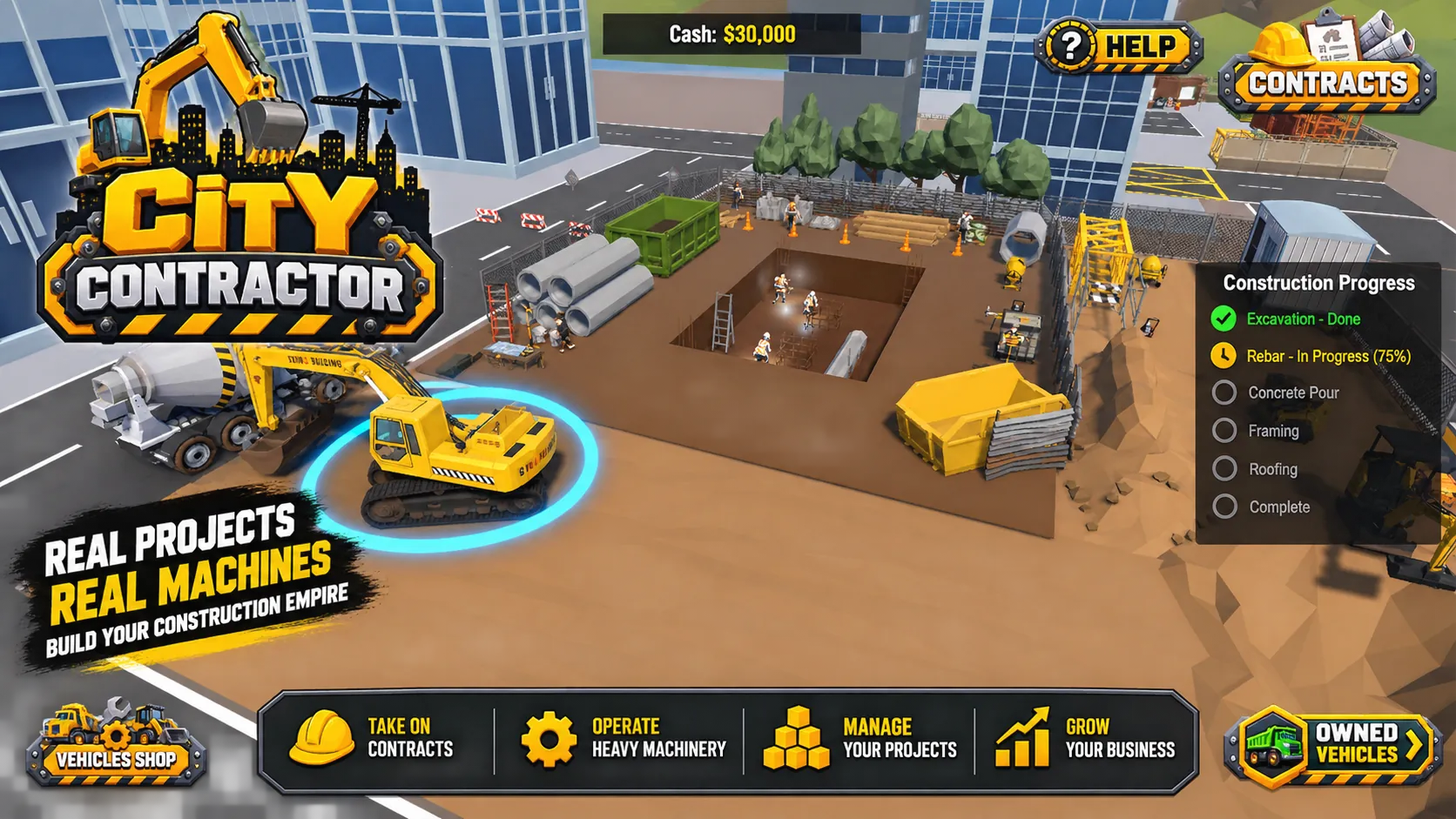
Jump into the cab. Dig with the excavator, haul dirt in the dump truck, push it flat with the bulldozer and roll it smooth. You do the work yourself.
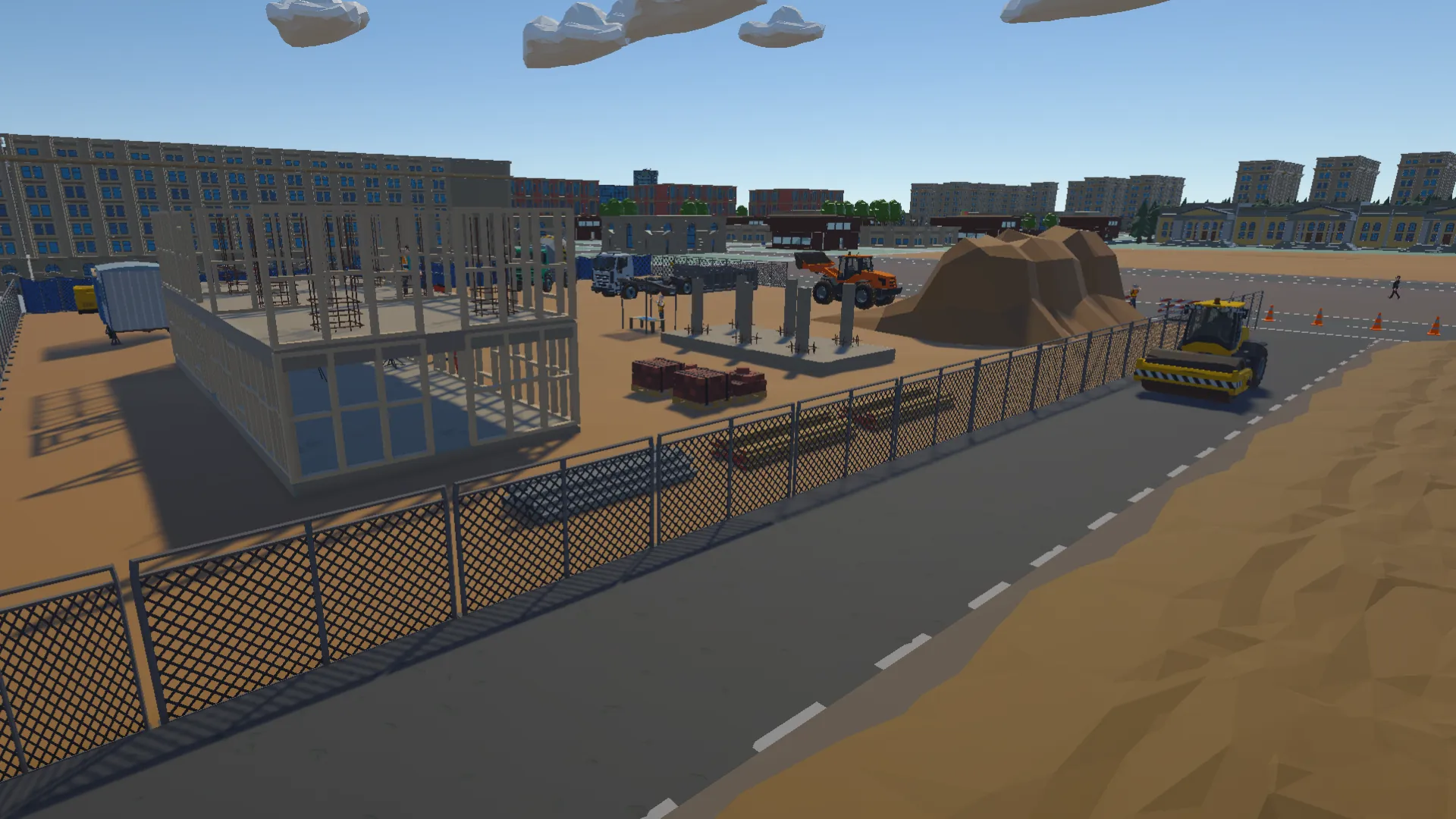
Pour the concrete, raise the frame and watch the building go up stage by stage right there on the street.

Get paid, buy new vehicles from the shop and take on bigger contracts. Every job you finish unlocks a bigger one.

Start with the basics. Buy the rest from the vehicle shop as the contracts get bigger.
| Excavator | Trenches, foundations, anything that needs digging |
|---|---|
| Mini loader | Tight spaces and quick material moves |
| Bulldozer | Clearing and leveling the ground |
| Dump truck | Hauling dirt, gravel and asphalt |
| Roller | Compacting road surfaces flat |
| Concrete mixer | Pouring floors and foundations |
Captured straight from the current build.

Download the APK, install it on your Android phone or tablet and take your first contract today.
Download APKfor AndroidAndroid phones & tablets · Free APK
Free forever. No account, no email.
Download APKfor AndroidIncludes optional Massive (Windows only). The Windows installer offers Massive, an optional service that keeps City Contractor free. If you accept, Massive uses a small share of your idle internet bandwidth to route public web traffic for Massive's business customers. City Contractor keeps running in the system tray after you close its main window, and Massive may keep operating in the background while City Contractor is running. Massive can be paused or turned off inside City Contractor at any time, Exit from the City Contractor tray stops it immediately, and you can uninstall it separately in Windows Settings → Apps → Installed apps. Decline and nothing extra is installed — City Contractor works exactly the same.
How Massive works·Massive terms·Massive privacy·City Contractor privacy
By downloading or installing City Contractor you agree to the End User License Agreement.
Questions, a bug to report, or feedback about City Contractor? Send us a message and we'll get back to you by email.
Prefer email? Reach us at support@desoline.com · Desoline Inc. · 716 Kfar Monash, Israel
 ← Forged Grounds